7 Relay features you probably missed
Most people install Relay, see the capture chip and the brief, and stop exploring. Fair. But there's more in there, and some of it is the best part of the product. Quick tour:
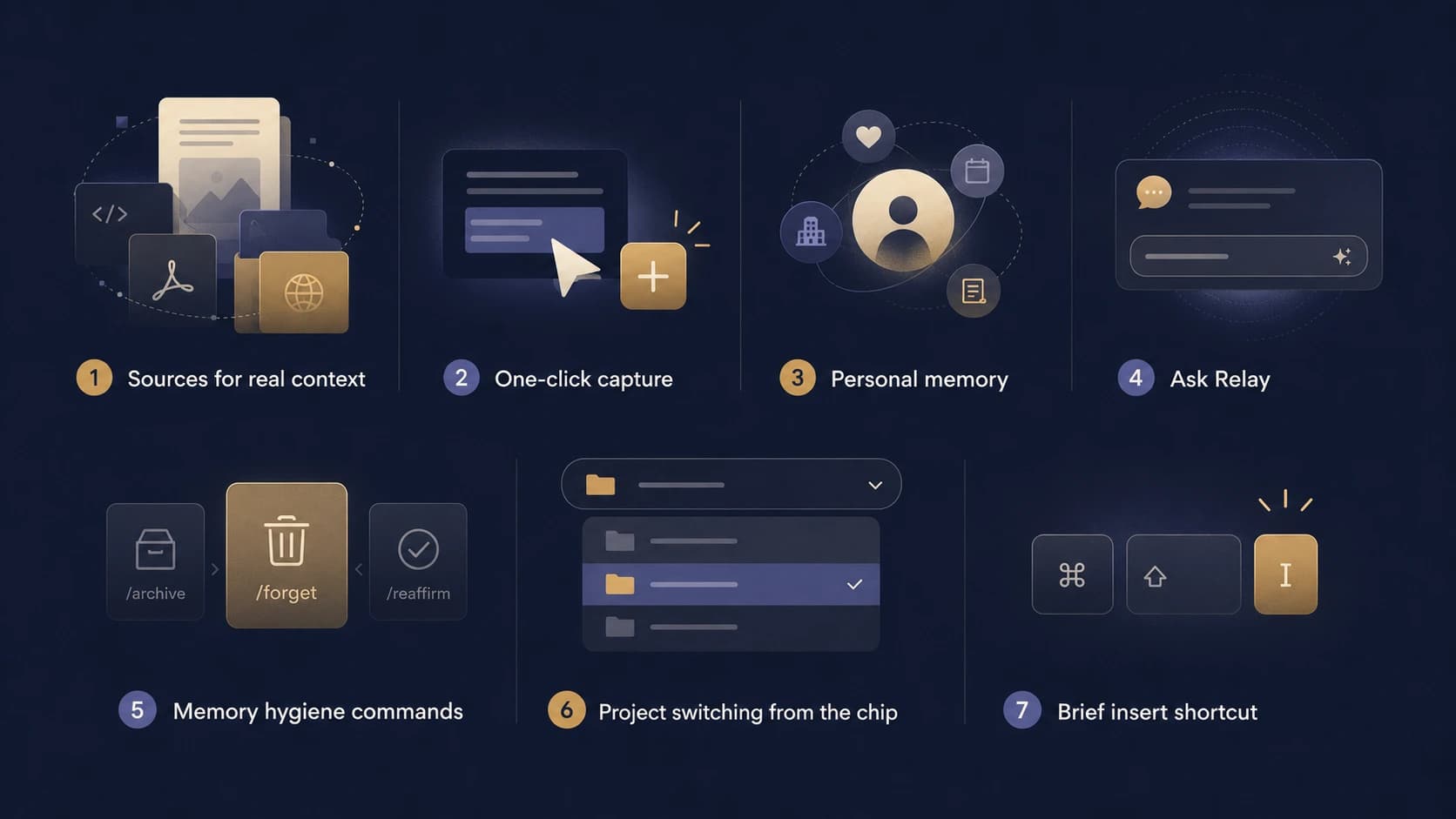
1. Sources: give your projects real documents
You can attach docs, PDFs, repos, websites, even package docs to a project. Relay indexes them and your AI tools can search and read them through MCP or the Relay agent. Your agent citing your actual spec instead of hallucinating one is a different experience.
2. One-click capture of any selection
Select text anywhere in a chat, save it to a project. For when auto-capture is off or you're on a page Relay doesn't watch.
3. Personal memory
Not everything is a project. Relay keeps a personal space for durable facts about you: preferences, goals, commitments, the stuff you keep re-telling every AI. It's auto-categorized (people, companies, events, notes) and any of your tools can recall it.
4. the Relay agent
There's a chat in the dashboard and the extension that can act on your memory: search it, save to it, clean it up, summarize a project, even search the web on paid plans. "What did we decide about X?" is the query I use most.
5. Memory hygiene commands
In the agent chat you can type /archive, /forget, /reaffirm on any memory item. Memory that only grows becomes garbage; pruning is a feature.
6. Project switching from the chip
The inline chip on chat sites has a project switcher. Capture this chat into a different project without opening the dashboard. Your manual pick sticks for that conversation.
7. Brief insert keyboard shortcut
⌘⇧I (or Ctrl+Shift+I) inserts your project brief into the chat you're looking at. Fastest way to make a fresh model instantly useful.
If you set up only one thing from this list, make it sources. Context from real documents is the biggest answer-quality jump you can buy for five minutes of setup.
Give your AI tools memory
Relay is free to start. Browser extension + MCP for your coding agents.
Get started free →